Nano Banana 2.1 AI Image Generator & Editor
Put your product in a new setting, turn a campaign brief into a poster, or carry a character into another scene. Create with Nano Banana 2.1 on PicLumen using text prompts and reference images. Control the composition, refine individual details, and generate images at up to 4K.
Hot Video Effects
Turn your photos into fun dance clips, surprising transformations, and shareable moments with trending AI video effects.
Build the Composition Around Your Creative Brief
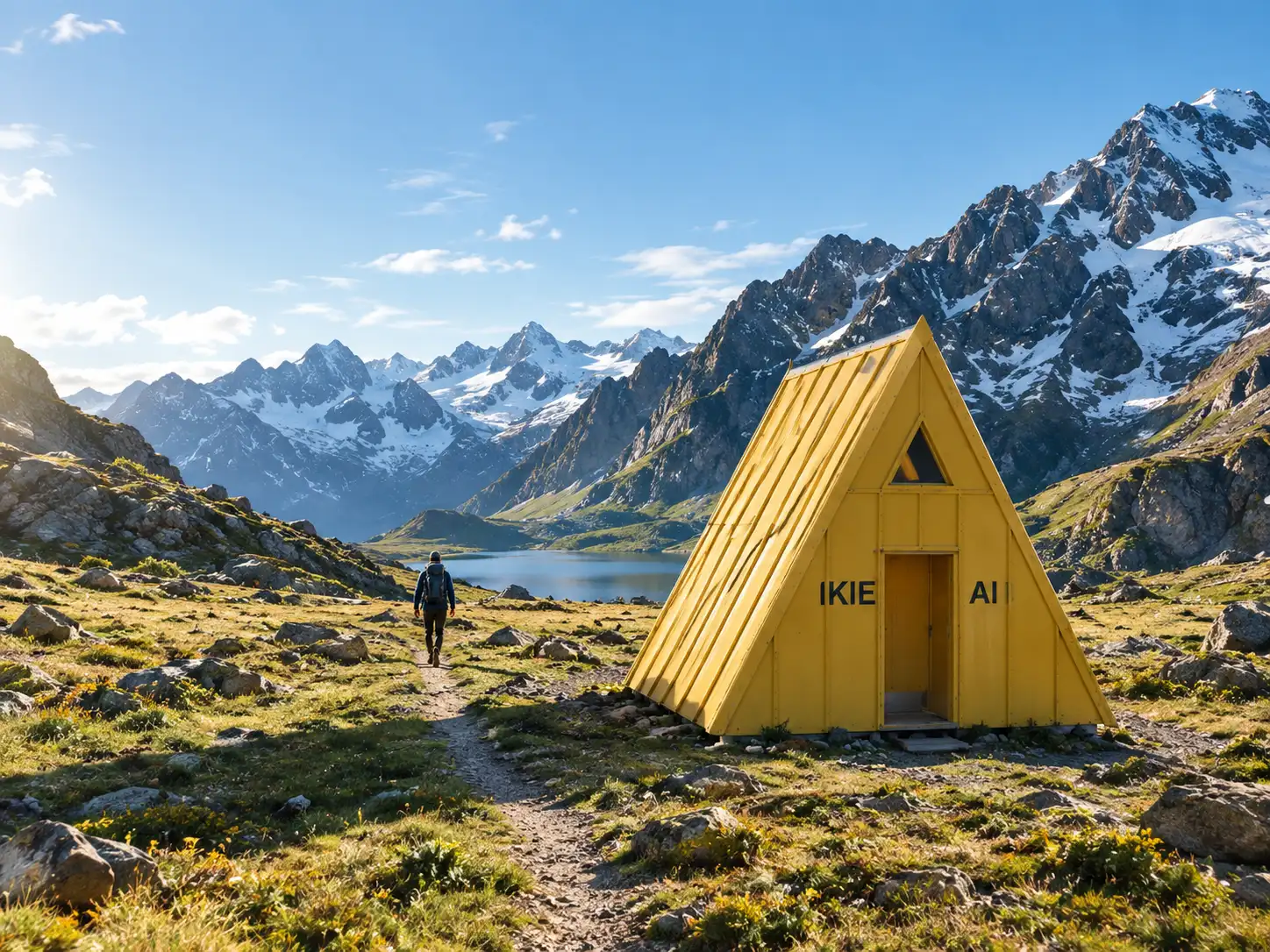
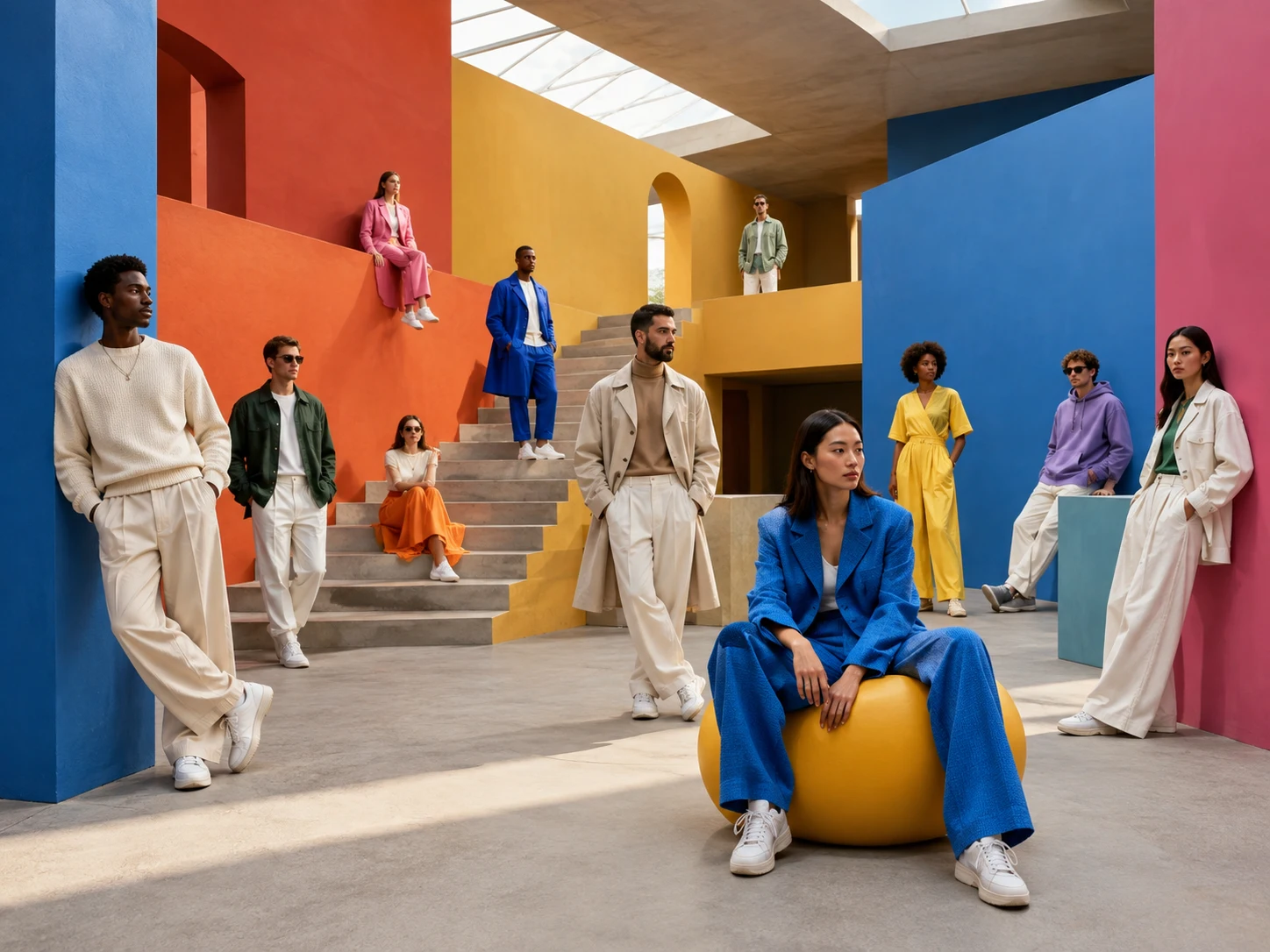
A campaign image often needs more than an attractive subject. The product may need to sit on the right, the lighting must match the brand, and the left side needs room for copy. Use Nano Banana 2.1 for text-to-image generation with detailed instructions for subject placement, lighting, colors, and space for your message. Create a skincare scene with a frosted bottle, pale stone, soft side lighting, and a restrained color palette. Or develop an editorial illustration with several subjects in defined positions. Specify the relationships between elements—what sits behind the product, which object is larger, and where the empty space belongs. Improved prompt following makes the model useful for briefs with several interacting requirements. You can explore different visual directions while keeping the layout focused on its intended placement.
Keep Your Subject Recognizable While Changing the Scene
Start with a product photo, portrait, or character reference and use Nano Banana 2.1 to develop a different setting around it. Replace a studio backdrop with a bathroom shelf, change a character’s surroundings, or explore a new outfit without describing the subject from scratch. Reference images establish the visual starting point. Editing instructions define the changes. For a product campaign, retain the bottle’s shape, cap, and color while exploring different surfaces and lighting. For a character sequence, carry the hairstyle, clothing, and accessories into another scene. Nano Banana 2.1 improves consistency through successive edits, supporting workflows where one image develops through several revisions. Make a background change, then adjust the lighting in a separate pass. Compare identity-sensitive details and packaging with the reference before selecting the final version.
Give Posters a Clear Headline, Offer, and Reading Order
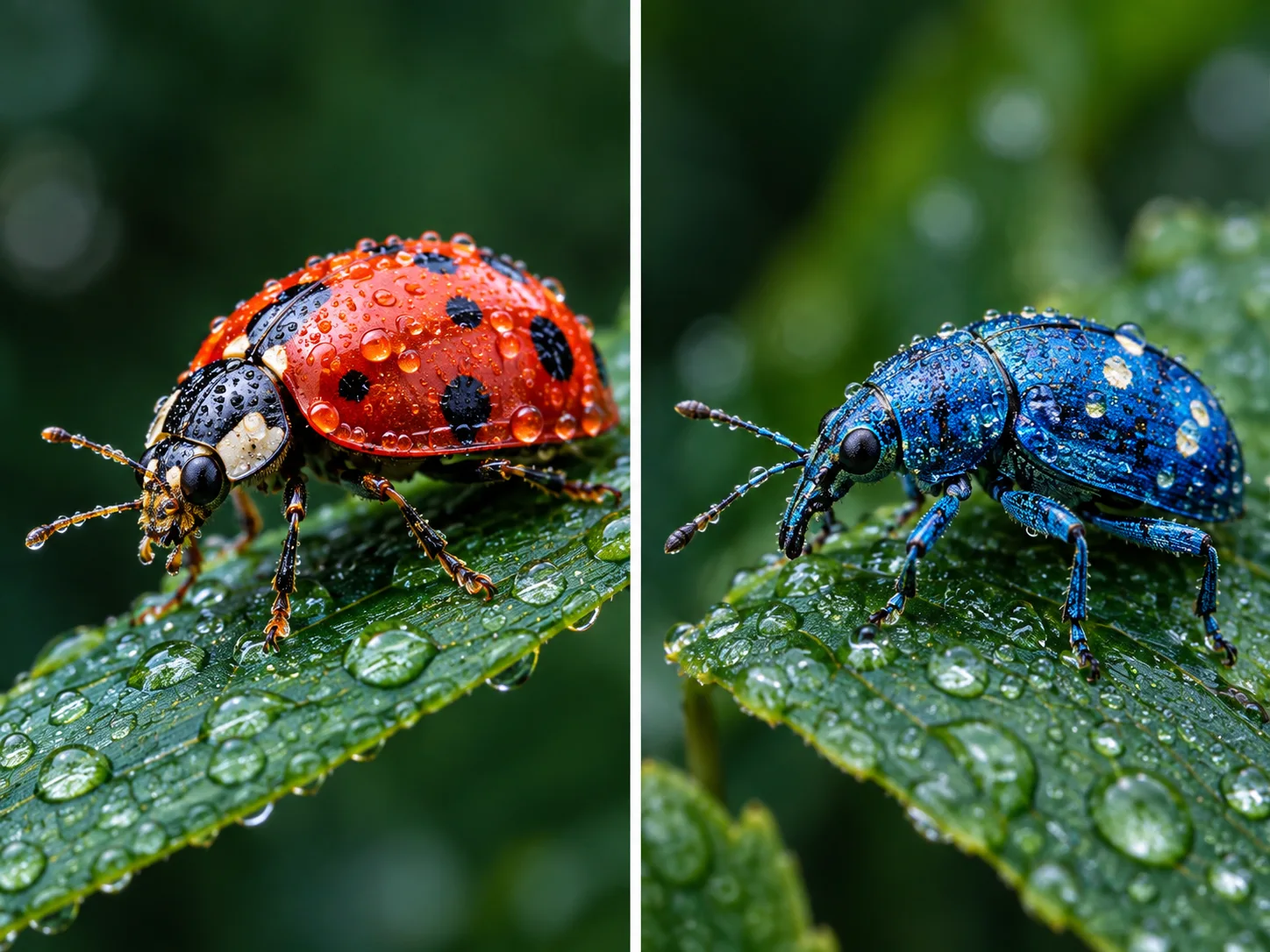
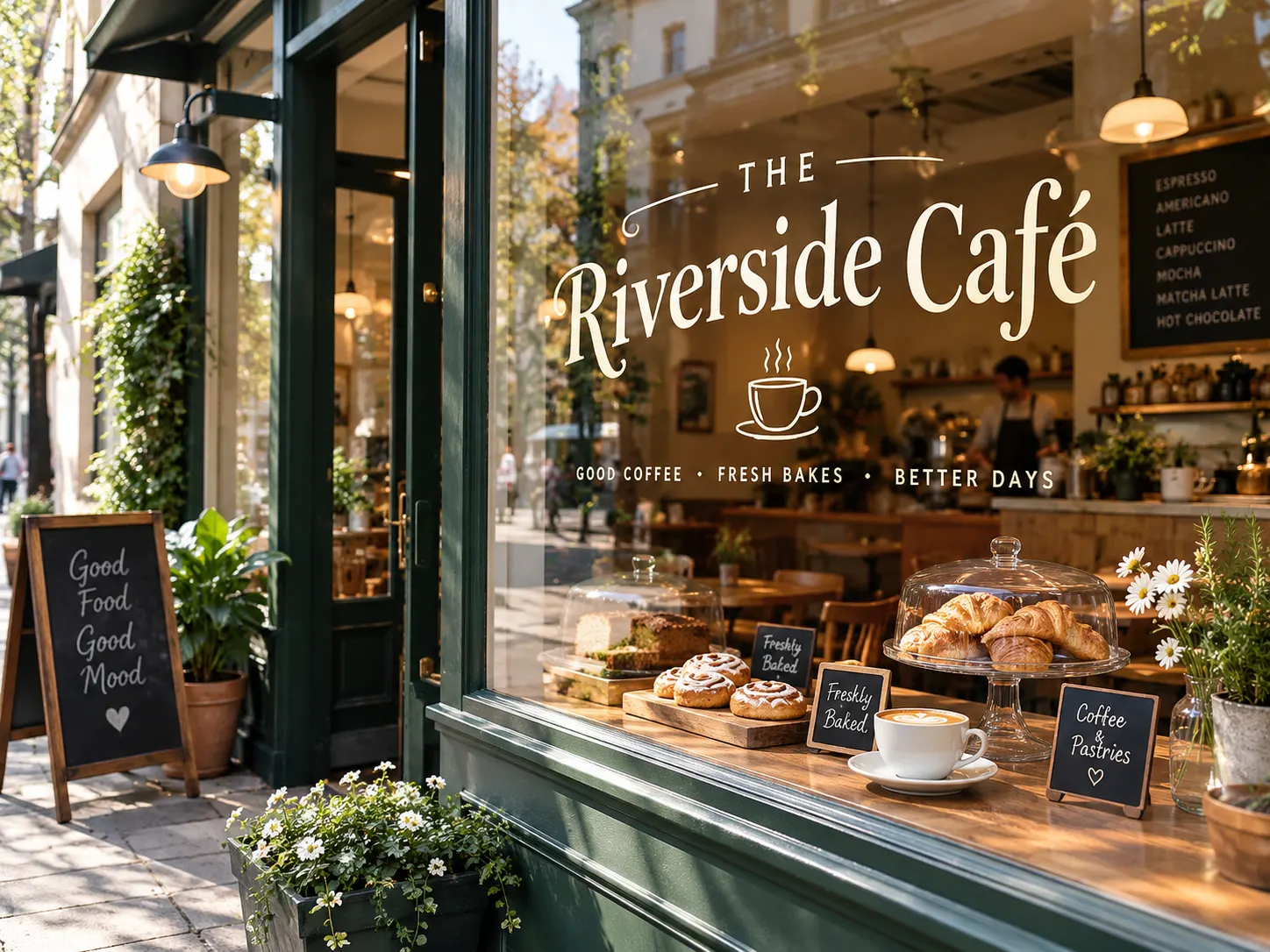
Create promotional visuals in which the text and image share a planned layout. Nano Banana 2.1 improves text rendering and layout accuracy, making it useful for sale posters, product announcements, event graphics, menus, and signs. Build a poster around three clear elements: the headline, the featured subject, and the supporting message. Specify the exact wording and its position. A product launch might need a short title above the item; a sale graphic might need a prominent discount with a smaller date line below. This lets you explore typography and composition together, rather than treating the image as a background with no space reserved for the message. Keep essential copy concise, and proofread generated text before publishing.
Create Detailed Images up to 4K, Including Wide Compositions
Use Nano Banana 2.1 on PicLumen to generate images at up to 4K when fine textures, detailed surroundings, or subsequent cropping matter. Higher-resolution output provides more pixels for product surfaces, clothing, architectural details, and illustrated environments. The model also addresses tiling artifacts in wide and panoramic images at 2K and 4K resolutions. This improvement is relevant to compositions that stretch across a broad scene, where repeated sections or visible joins can interrupt the image. Plan the composition for its destination from the start. A wide website banner needs a different subject placement from a portrait-oriented campaign image. Choose from the output settings available on PicLumen, and leave enough room around important elements for your final layout.
What Can You Create with Nano Banana 2.1?

Product Images for Stores and Campaigns
Turn a product reference into supporting visuals for product pages, catalogs, and advertisements. Explore clean studio setups, close-up compositions, and lifestyle settings around the same item. Use different scenes to show how a product fits into a home, routine, or seasonal campaign.

Sale Posters and Product Launch Graphics
Develop promotional concepts with a defined headline, product placement, and offer. Explore a restrained launch announcement or a bold seasonal sale design. Generate several art directions, then select the composition that gives the product and message the clearest hierarchy.

Coordinated Social Media Visuals
Build a series around a shared product, color palette, or visual style. Create an announcement image, a scene showing the product in context, and a complementary campaign visual. Adjust the composition for each placement while giving the series a recognizable look.

Characters and Illustrated Story Scenes
Use a character reference to explore different locations, actions, and moods. Carry defining features into a new setting, from an indoor close-up to an outdoor scene. Develop story illustrations, character concepts, and visual sequences with a consistent starting point.
How to Use Nano Banana 2.1 on PicLumen
Select Nano Banana 2.1 and Add Your Brief
1Choose Nano Banana 2.1 in PicLumen. Enter a text prompt to create a new image, or upload a photo for reference-guided generation or editing. Describe the intended result, including the subject, setting, composition, and any details that must remain recognizable.
Choose Your Settings and Generate
2Select the available aspect ratio and resolution for your project, with output up to 4K. Check the displayed credit requirement, then generate the image. For promotional graphics, include the exact headline and offer in your prompt before generating.
Refine the Details and Download
3Review the image against your brief. If a detail needs changing, use the result as the starting point for a focused edit, such as adjusting the background or lighting. Check text, faces, and product details, then download the version you want to use.


Loved by Creators Worldwide
Real feedback from designers, marketers, and hobbyists sharing their PicLumen experience on Trustpilot.
Alfred Rangel RA wonderful range of options to create…
A wonderful range of options to create truly dreamlike visual effects with all those colors; only imagination is the limit.
Rishiprasanth BRThis is a great site to create images…
This is a great site to create images as per our mind's wish. Such a great site, loved its response
 Mubashir Ahmed
This web is very help and free
This web is very help and free
 Ifeanyichukwu C Chukwuemeka
Very good
Very good and good AI app easy to use without stress
Narender KhatanaI love this app I love this very very…
I love this app I love this very very much this is help in make a videos
 Menu Lawrence
Very fantastic app
Very fantastic app. I love it. I will like everyone to use this App
Great platform to create awesome…
Great platform to create awesome content and see other imaginations come to life
Have a good experience and so smooth.
Have a good experience and so smooth.
 The Uncharted Timeline
This ai
This ai generated image very natural and beautiful HD quality
 Amy Crawford
Pic Lumen ai is a bright star in a galaxy of money hungry jabas.
I've been using Pic Lumen ai for a little over a year now. The first thing that stood out to me was the level of quality of the photos. Very realistic, brilliantly clear, vibrant. They've done a lot of expansion in the past year as well ie; using the top of the line image and video generators, adding features like upscaling, I paint, out paint, and editing. And the best thing about this platform is the incredibly affordable prices. If you are new this platform is perfect because they offer a free level allowing you to generate 50 images a day. They have an incredible community of artists and also offer tutorials. Two thumbs up!!
 Harris Styles
Amazing quality!!
Amazing quality!!! We at Nufangled studios love how this product elevated our brand quickly. This is the most user friendly software out their and well worth the money!!!! I love the ecosystem you they have created as well. Wonderful business model we will take note.
Really incredible work
Really incredible work, I love it so much, it's easy and intuitive
Frequently Asked Questions About Nano Banana 2.1
What is Nano Banana 2.1?
Nano Banana 2.1 is Google’s AI image generation and editing model, updated from Nano Banana 2. It creates images from text and uses image inputs to guide new compositions or edits. On PicLumen, you can use it for product visuals, promotional graphics, portraits, and artwork, with output up to 4K.
What is the difference between Nano Banana 2 and Nano Banana 2.1?
Nano Banana 2.1 improves prompt following, visual quality, text rendering, and consistency across multiple edits. It also addresses tiling artifacts in certain wide and panoramic images at 2K and 4K. These changes are particularly relevant when you need a composition to follow several instructions, include readable text, or preserve recognizable subjects through revisions.
Can I use Nano Banana 2.1 to edit an existing photo?
Yes. Upload your photo and describe the change, such as replacing a background, adjusting clothing, removing an object, or changing the lighting. Identify the details you want to preserve as well. For example, request a new room setting while retaining the person’s appearance and outfit. Review the result because an edit can also affect surrounding details.
How do reference images help with product and character consistency?
A reference gives Nano Banana 2.1 a visual example of the subject you want to carry into a new image. Use a clear product photo or character image, then describe the defining features to preserve. Keep that reference consistent across related generations. This helps guide the subject’s appearance, although exact logos, packaging text, and facial details still need checking.
Can Nano Banana 2.1 generate text for posters and ads?
Yes. The model supports text within images and includes improvements to text rendering and layout accuracy. Provide the exact wording in quotation marks and explain the hierarchy—for example, a headline above the product and a discount below it. Short headlines and clearly separated text blocks are easier to review than dense copy. Check spelling, prices, and dates before publishing.
Does Nano Banana 2.1 support 4K image generation?
Yes. Nano Banana 2.1 supports image output up to 4K on PicLumen. The final pixel dimensions depend on the selected aspect ratio and resolution setting. Higher-resolution output can help when you need additional pixels for detailed imagery or cropping. It does not correct an inaccurate label or composition, so review the image content as well as its dimensions.
Is Nano Banana 2.1 free on PicLumen?
Nano Banana 2.1 uses PicLumen credits. Check the generation interface for the credit requirement associated with your selected settings. For current account allowances and subscription options, visit the pricing page. Review the cost before generating, particularly when changing resolution or creating multiple versions.
When should I choose Nano Banana 2.1 for an image project?
Consider Nano Banana 2.1 when your brief combines several requirements: a specific composition, a reference subject, text inside the image, or successive edits. Examples include a product scene with space for copy, a promotional poster with a defined reading order, or a character carried into another setting. Judge the result against your actual brief, especially when precise identity or branding matters.
Create the Image Your Brief Calls For
Bring your product reference, poster copy, or next scene idea to PicLumen. Generate and edit with Nano Banana 2.1, then refine the result at up to 4K.
- ChatGPT Images 2.5
- Grok Imagine
- Kling 4.0 AI Video Generator
- Midjourney AI Image Generator
- Minimax H3
- Nano Banana 2
- Qwen Image 3.0
- Seedance 2.5 AI Video Generator
- Seedream 5.0 Pro
- Wan 3.0 AI Video Generator
- AI Image Generator
- FLUX AI Image Generator
- AI Illustration Generator
- Remove Clothing with AI
- AI Food Image Generator
- AI Product Photo Generator
- Celebrity AI Image Generator
- Funny AI Image Generator
- Passport Photo Maker
- AI Virtual Try On
- AI Faceless Video Generator
- AI Art Generator
- AI Surrealism Art Generator
- AI Product Design