Turn Your Photo into a Painting with Photo to Art Converter


Transform Your Photos to Art in Various Styles

Explore Endless Possibilities
PicLumen lets you convert photos into various artistic styles, unleash your creativity with your descriptions.

Seamless & Ease
Let our generative AI take care of the hard work. No complicated software skills required—just upload, describe, and enjoy.

Professional HD Results
Powered by cutting-edge image-to-image AI, PicLumen delivers high-resolution visuals at lightning speed.
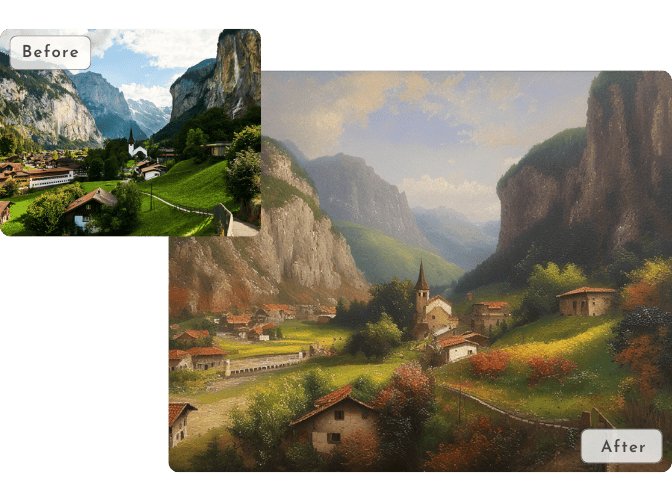
Convert Picture to Oil Painting
Transform your photos into timeless oil paintings with PicLumen’s photo to art tool. Whether it’s a serene landscape, a loved one’s portrait, or a treasured family memory, our AI adds rich textures and depth reminiscent of classic masterpieces, which brings a touch of elegance to your art collection or home decor.
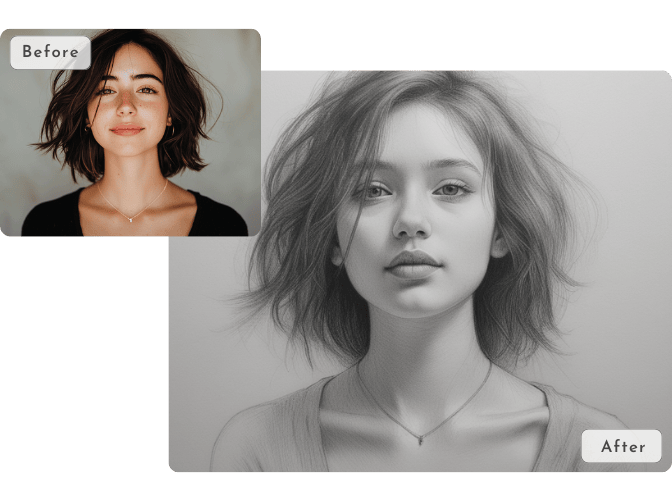
Convert Your Photo to Sketch Art
Convert your selfie into a professional pencil or charcoal sketch in moments. PicLumen’s AI photo generator captures every detail with lifelike precision, ideal for portraits, creative projects, or unique gifts.
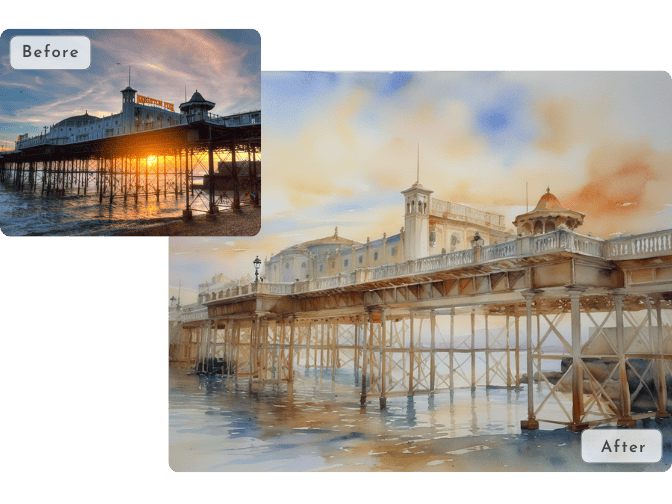
Transform Photo to Watercolor Art
Bring the delicate beauty of watercolor to your photos. Our AI image generator captures the soft brushstrokes and fluid colors of this classic style, delivering realistic, gallery-worthy results.
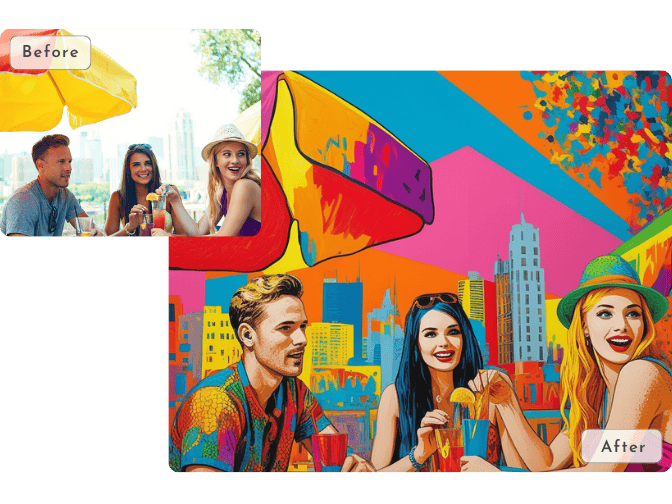
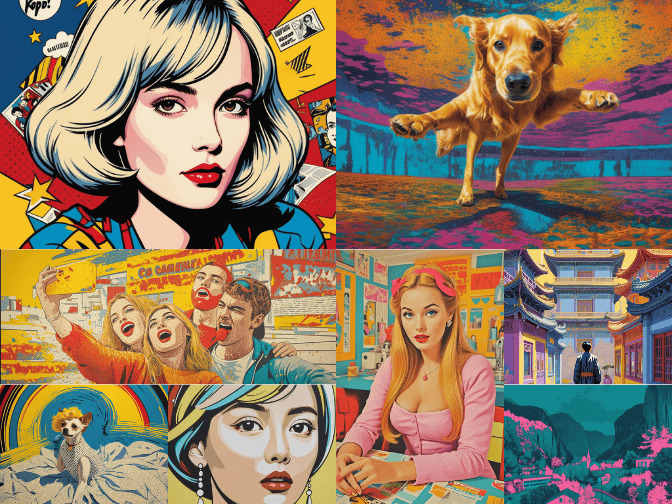
Create Vibrant Pop Art from Photo
Expierence the world of bold colors and striking contrasts with pop art. Inspired by iconic artists like Warhol and Lichtenstein, this photo to pop art tool turns your pictures into eye-catching, vibrant artworks.
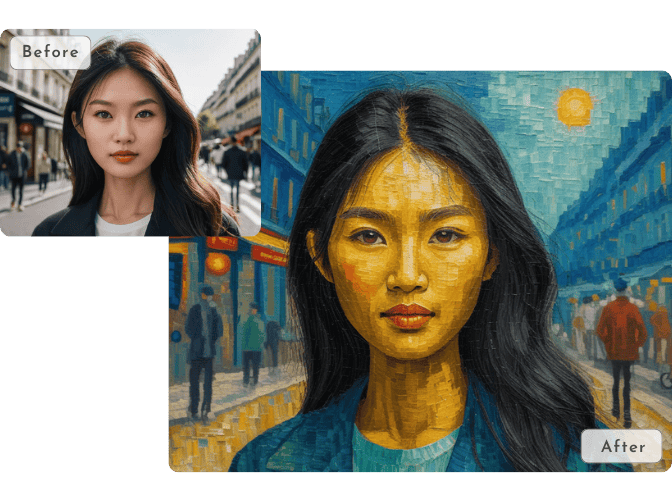
Add Artistic Effects to Photo
Ever wondered what your photo would look like through the eyes of a world-renowned artist? Based on our unparalleled LLM, it can easily understand your text prompts and transform your photos into scenes reminiscent of famous artworks like Van Gogh’s Starry Night or Monet’s Water Lilies. Bring the magic of the great masters to your photos.
Cartoonize Your Photos
Give your photos a playful twist with PicLumen’s cartoon effect. Transform your images into colorful, animated-style artwork with a single click.
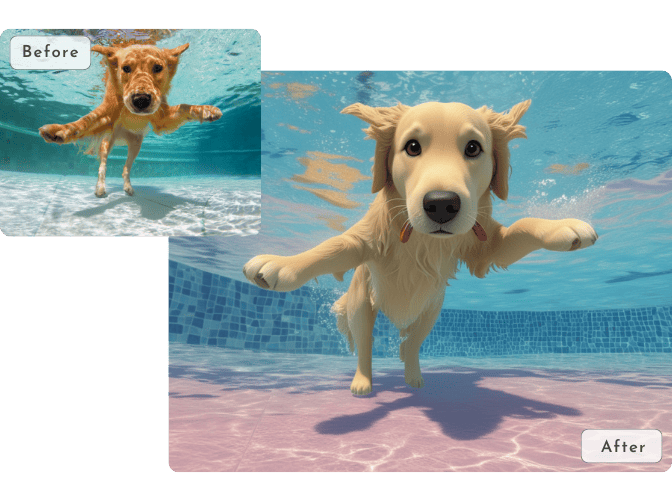
Why PicLumen Excels at Photo to AI Art Transformation

Creative Depth
Our photo to art converter reimagines your photos by analyzing their structure and adding artistic elements that align with your description. Whether it’s the flowing brushstrokes of Van Gogh or the bold lines of comic art, PicLumen preserves the essence of your image while amplifying its artistic appeal.

Dynamic Style Adaptation
PicLumen’s algorithms blend artistic creativity with photo realism. This means you can explore niche styles like surreal fantasy, modern pop art, or even futuristic sci-fi with results tailored to your preferences.

Empowering User Control
Our AI photo generator give you the freedom to shape your artwork with advanced features like “Content Ref Mode”, which preserves the core composition and outlines of your photo; and “Refer Strength Adjustment”, allowing you to control the level of AI creativity—from subtle refinements to bold, dramatic reinterpretations.
How to Convert a Photo into AI Art on PicLumen
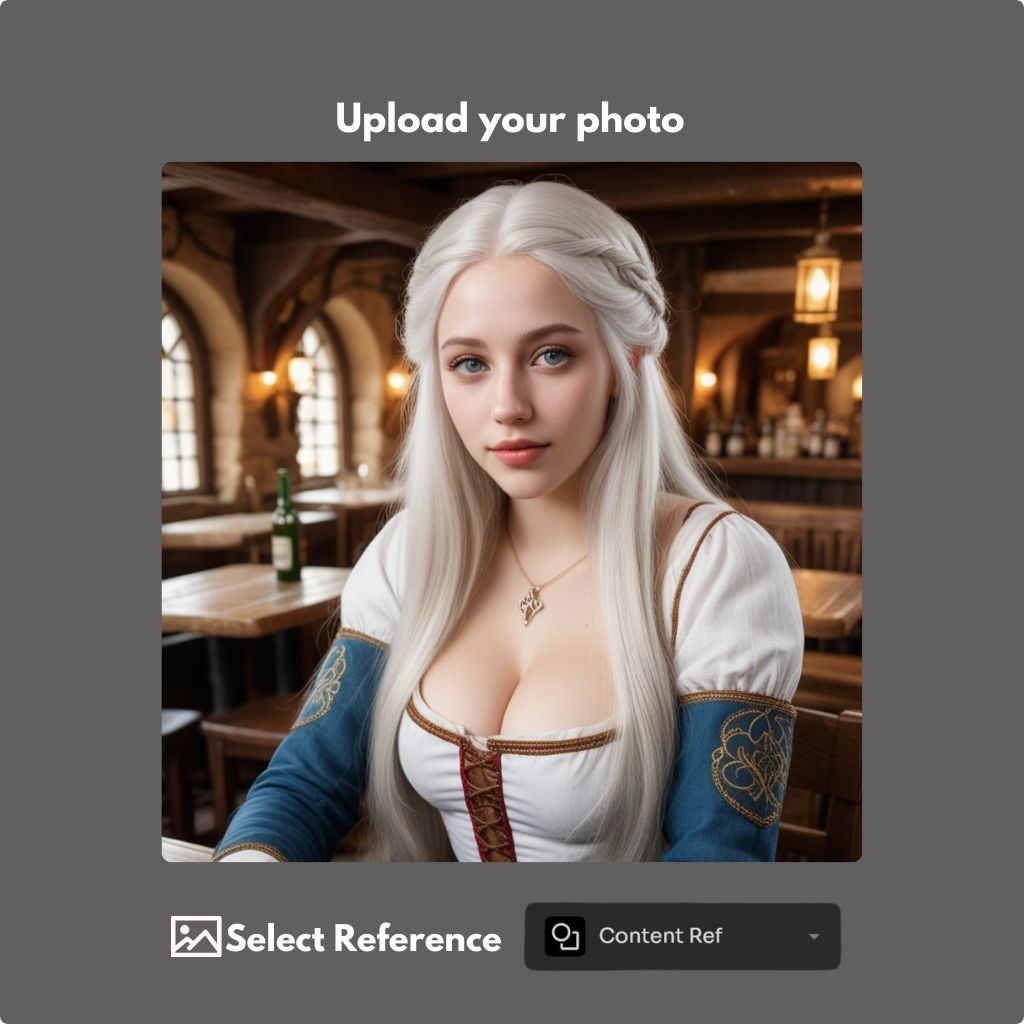
Step1: Upload your Photo
Upload your photo and select the element you want to refer. Such as, you select “Content Ref.”, if you want to use image outlines.
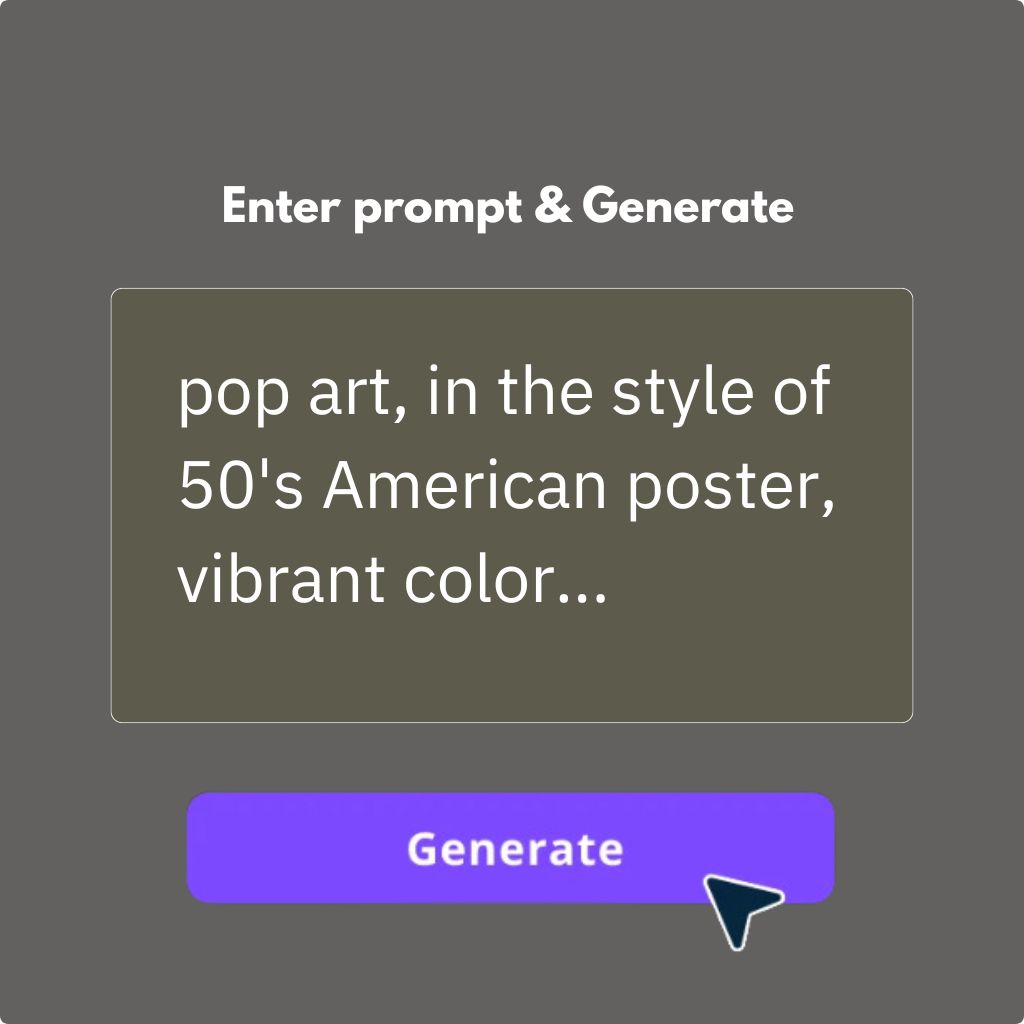
Step2: Enter Prompt & Generate
Tell PicLumen’s photo-to-art creator what art style you want. Click the “Generate” button to get results.
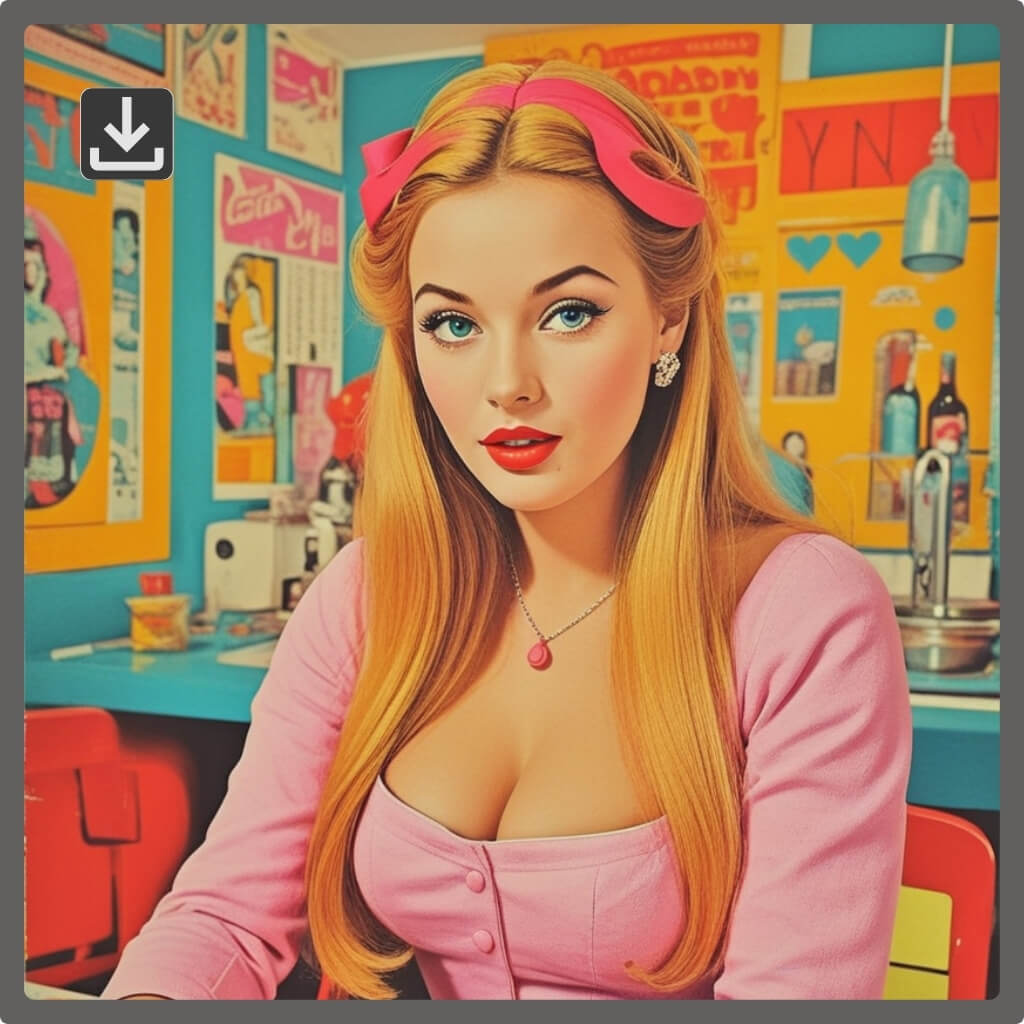
Step3: Download
Download it once you are satisfied.
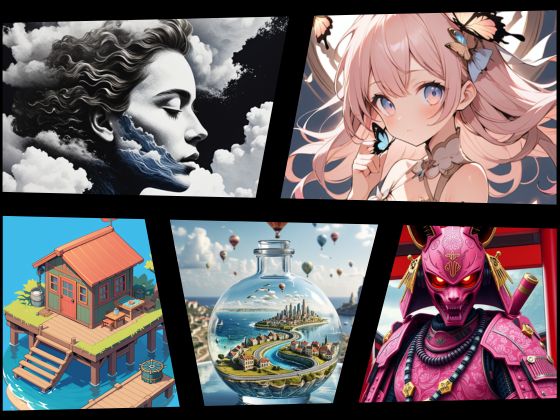
Explore More Related Features of Photo to Art Converter
.png)


Loved by Creators Worldwide
Real feedback from designers, marketers, and hobbyists sharing their PicLumen experience on Trustpilot.
 Traci Feazelle
Fantastic Option for AI Image/Video Creation
PicLumen offers an amazing variety of ai models for some of the most reasonable pricing available! The app layout also affords ease of use.
CrispeeEasy to use.
Easy to use. Great layout love it!
My experience
Itis a really good website n really ideal to use theres only one con and that the AIS sometimes create wrong images but that doesnt happen frequently
Good 👍 perfomense web site good images…
Good 👍 perfomense web site good images good
Awesome program easy to use a little…
Awesome program easy to use a little disappointment in the fact you can’t buy lumies
Great platform
Ease of use,and great models
Ibrahim FaisalThis is best app for image generate
This is best app for image generate
Ioannis GreecePicLumen is powerful and i like it for…
PicLumen is powerful and i like it for my creations.
Can’t go wrong using this one
Can’t go wrong using this one
Have a good experience and so smooth.
Have a good experience and so smooth.
Good app and make very good video
Good app and make very good video
 Sheikh
very user friendly
very user friendly, easy to use.
FAQs about PicLumen's Photo to Art Converter
What kinds of photos work best?
Any clear image with defined subjects works great. Portraits, landscapes, or close-ups yield the best results.
Can I customize the art style?
While there are no pre-set styles to choose from, you can use text prompts to guide the AI’s creativity. For example, enter “oil painting with rich textures” or “pencil sketch” for specific outcomes.
Can I generate high-resolution artwork?
Yes, PicLumen offers lossless PNG format for users to download.
How do I convert a photo into an oil painting?
Upload your photo and use prompts like “oil painting with rich textures and realistic shadows.” The AI takes care of the rest!
What is a Photo to Art Converter?
A photo to art converter uses AI technology to transform your photos into artistic styles such as paintings, sketches, cartoons, watercolor art, and more.A Photo to Art Converter uses AI technology to transform your photos into artistic styles such as paintings, sketches, cartoons, watercolor art, and more.
Is PicLumen's photo to art converter free to use?
PicLumen is free to start and free to use, with 10 free Lumens provided every day. You can try our photo to art converter for free and create artistic images without any upfront cost.
How long does it take to convert a photo into art?
Most conversions are completed in just a few seconds, depending on the image size and the selected art style.
Do I need any design or editing skills?
No. this tool handles the entire process automatically, making it easy for anyone to create professional-looking artwork.
Can I use the generated artwork for commercial purposes?
In most cases, yes. However, please review our Terms of Service for specific details regarding commercial usage rights.
Will my uploaded photos remain private?
Yes. We take user privacy seriously and use secure processing methods to protect your uploaded images and personal data.
What art styles are available?
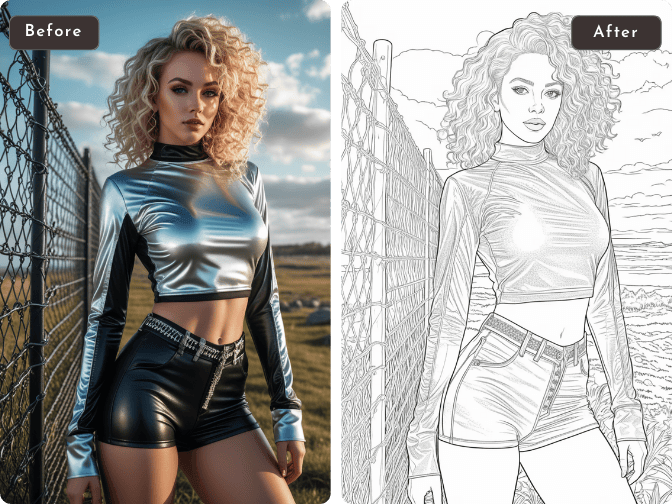
Our photo to art converter offers a variety of styles, including oil painting, watercolor, pencil sketch, cartoon, anime, pop art, line art, digital painting, and many more.