Free AI Face Generator
Create Human Faces From Photo & Text
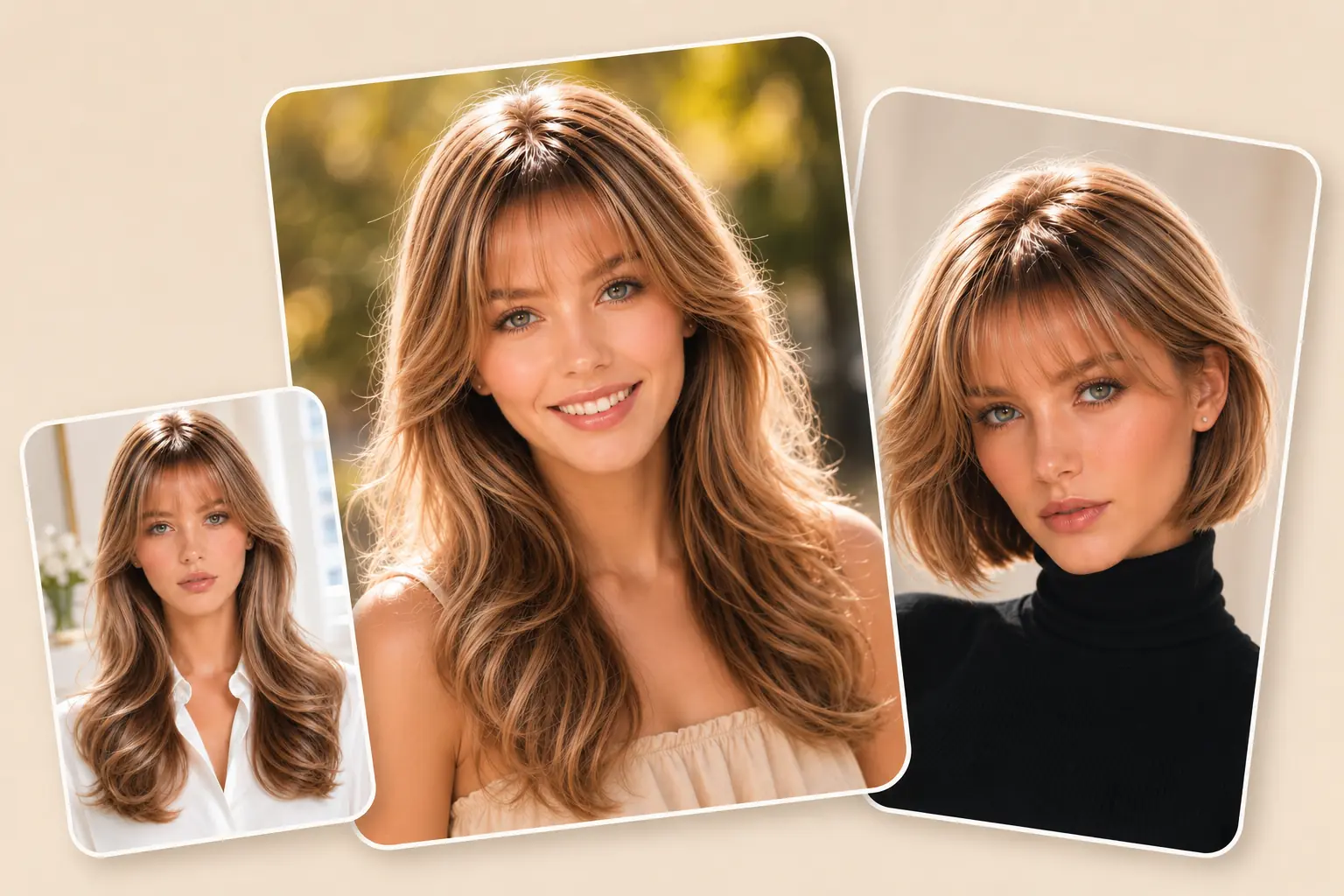
Create AI faces from a simple text prompt or a reference image in seconds. Describe the appearance you want or upload an existing image to guide the generation. Text-to-image and image-to-image technology make it easy to create original faces while giving you more control over facial features, expressions, and overall appearance.
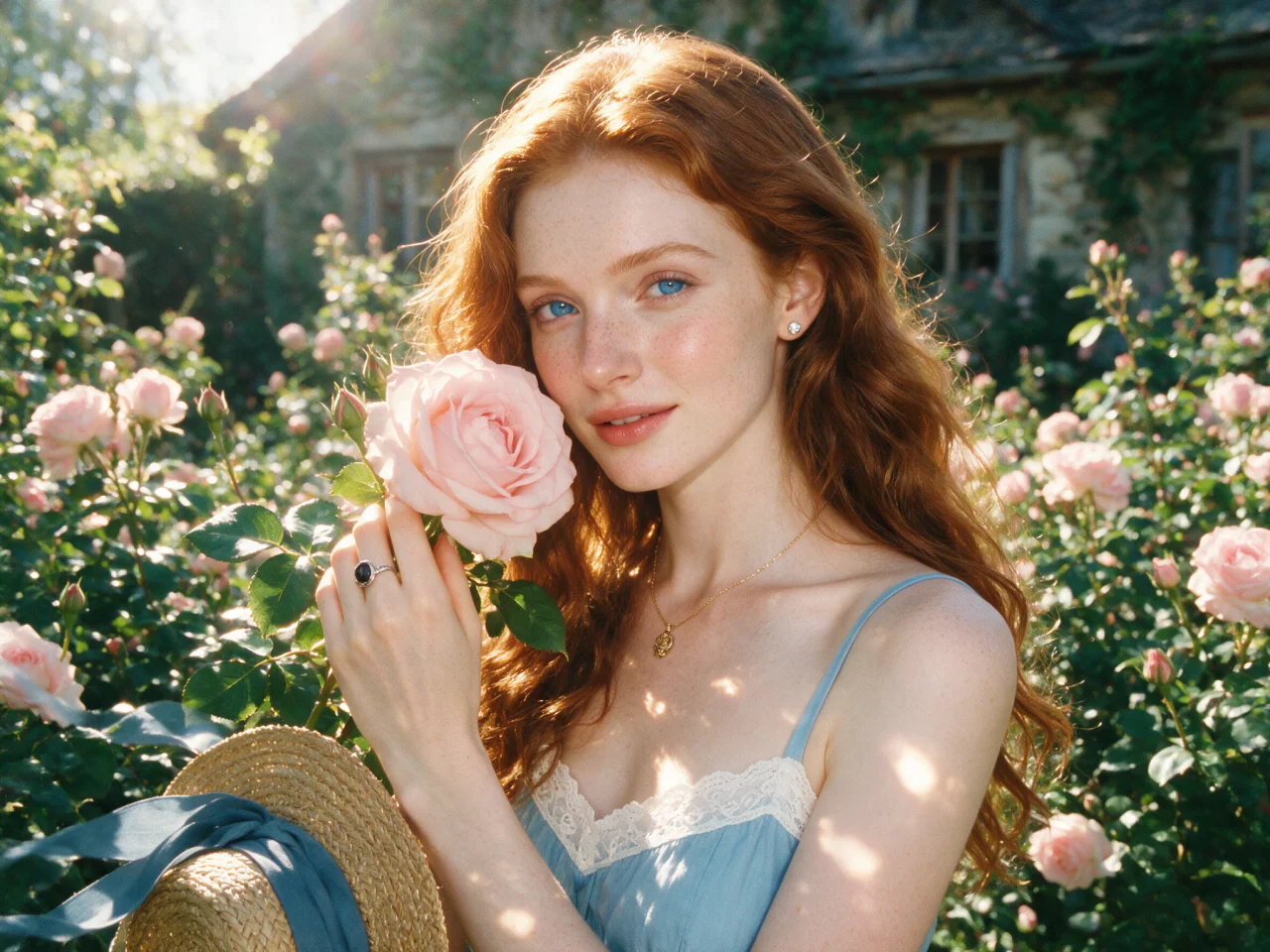
Create Lifelike AI Faces with Rich Details
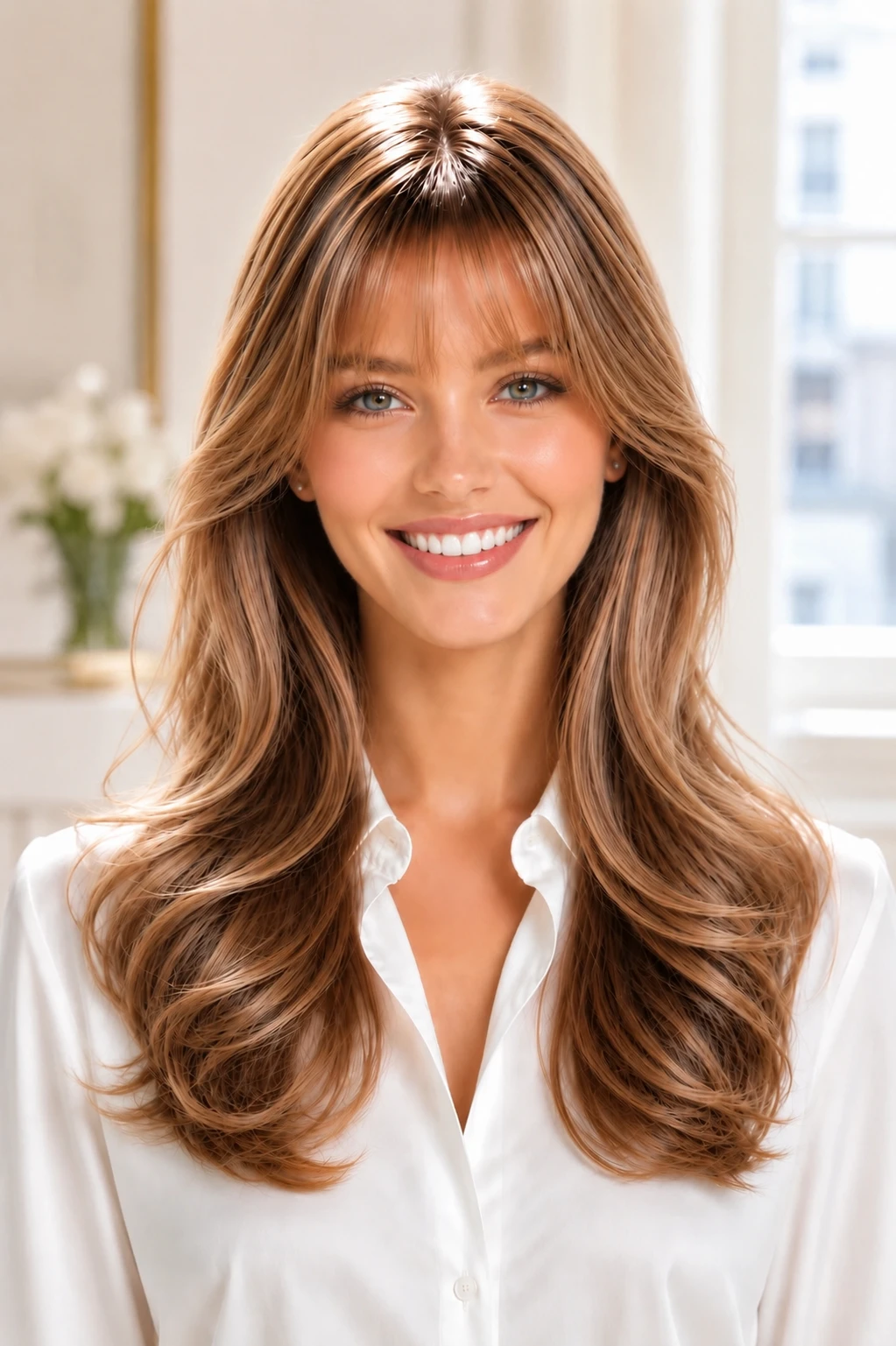
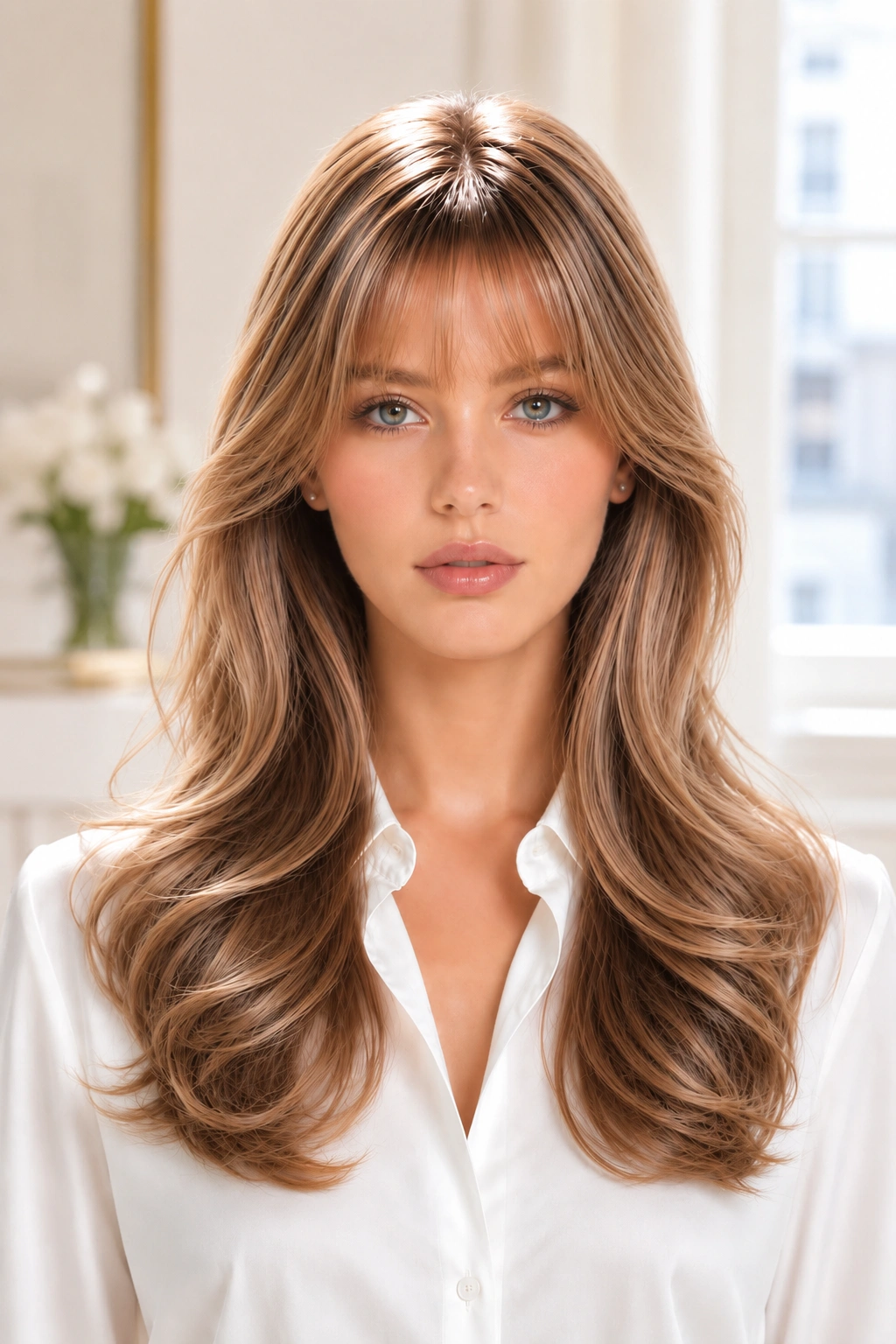
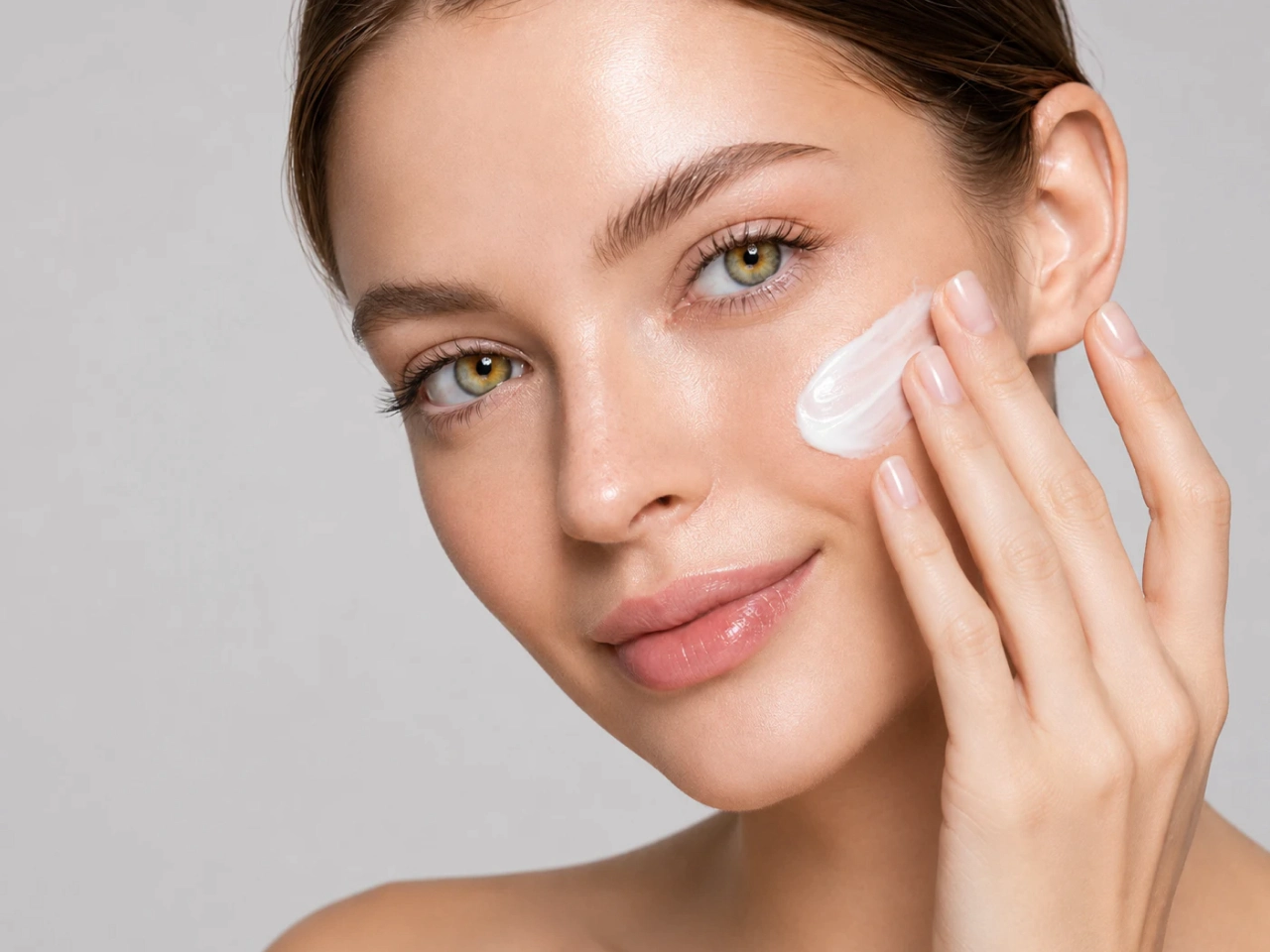
Generate realistic faces with natural skin texture, balanced lighting, accurate facial proportions, and expressive details. Advanced AI models produce clean, high-quality portraits that look authentic instead of artificial. Every image is rendered with sharp details and a polished finish for professional-quality results.
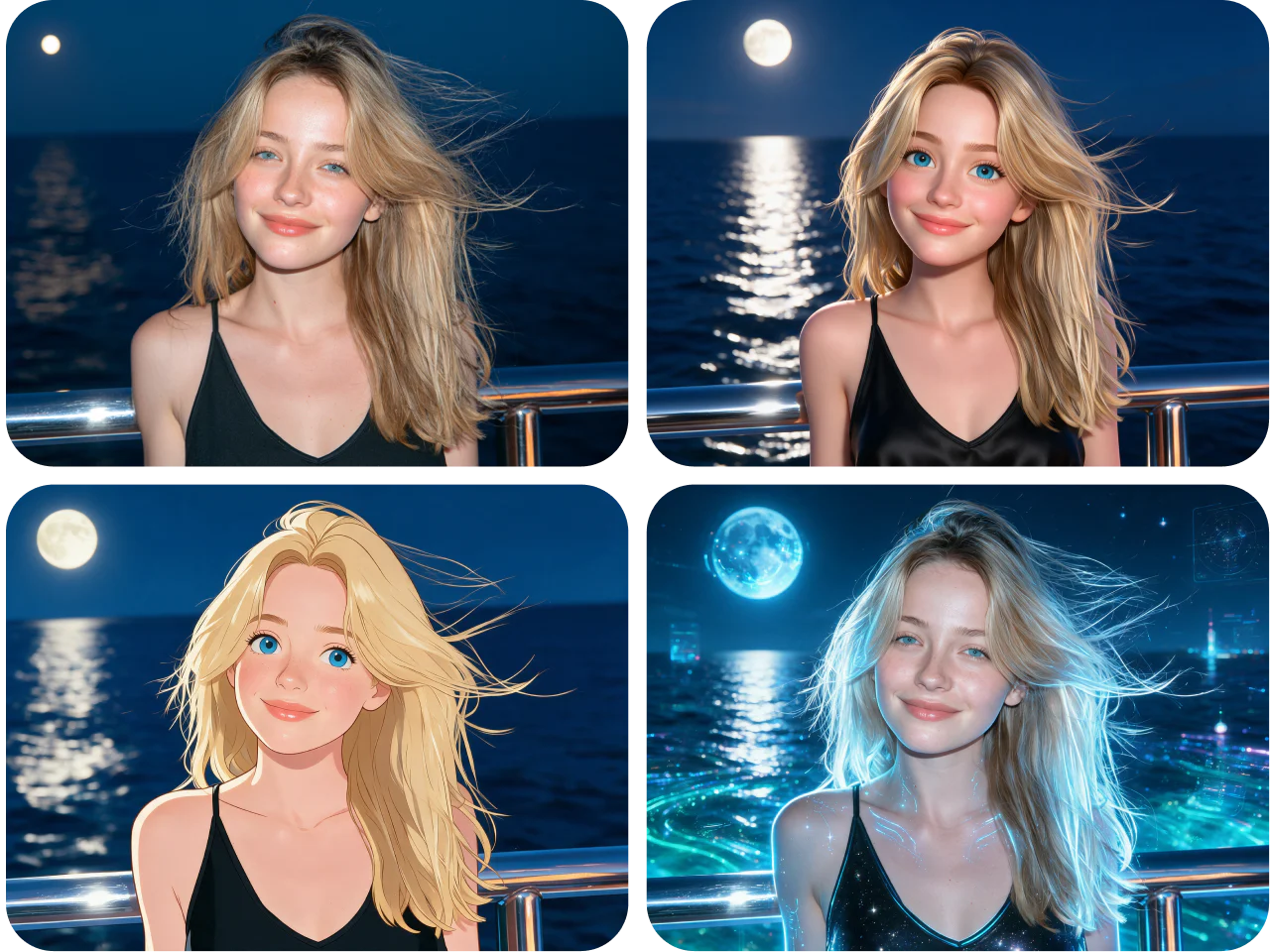
Generate Multiple Face Styles Instantly
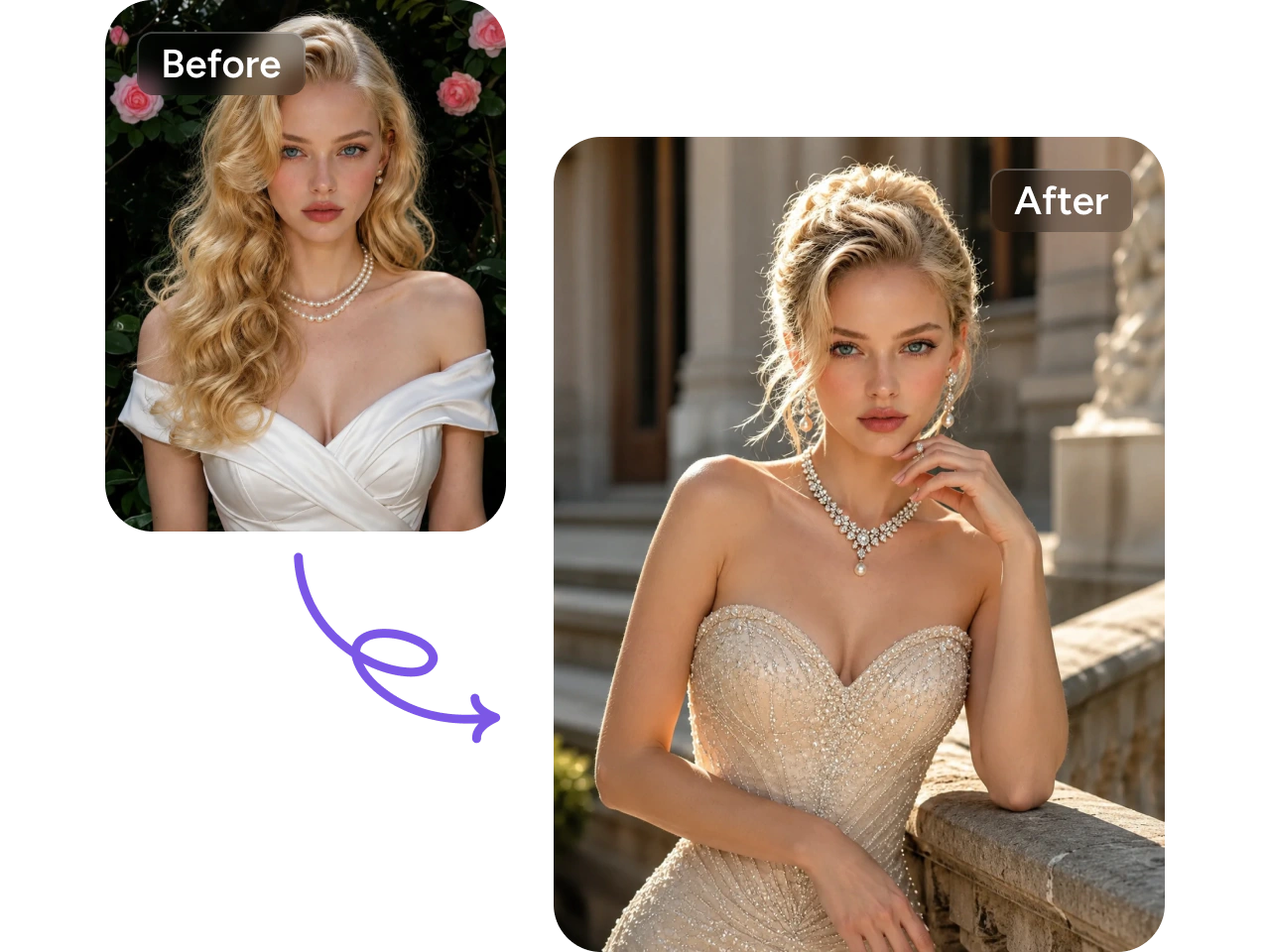
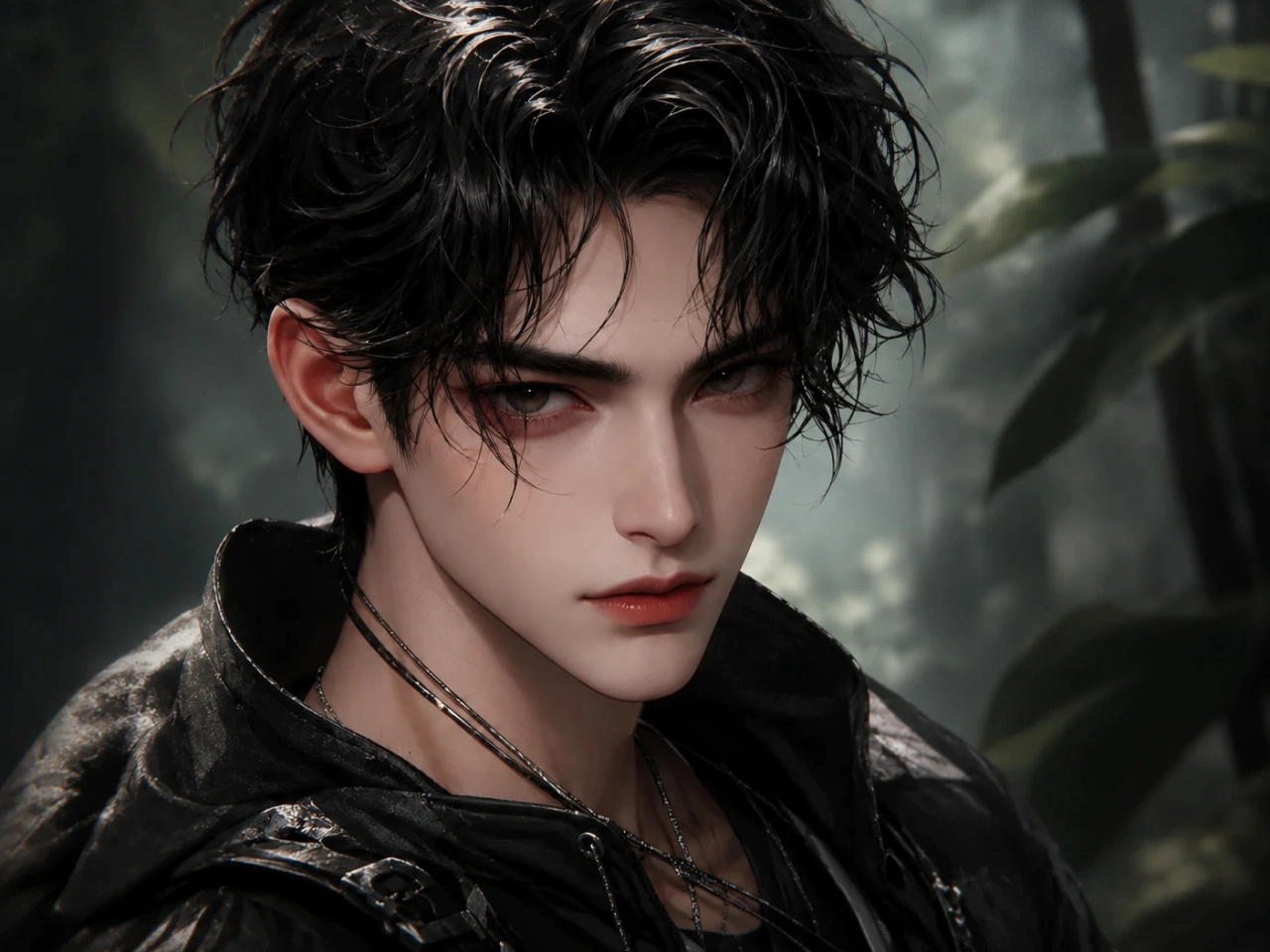
Create the same idea in different visual styles. Generate realistic portraits, anime characters, 3D renders, illustrations, pixel art, watercolor paintings, and more. Instantly compare multiple creative variations and refine your favorite style with just a few clicks. Find the perfect style faster by exploring multiple variations from a single idea.
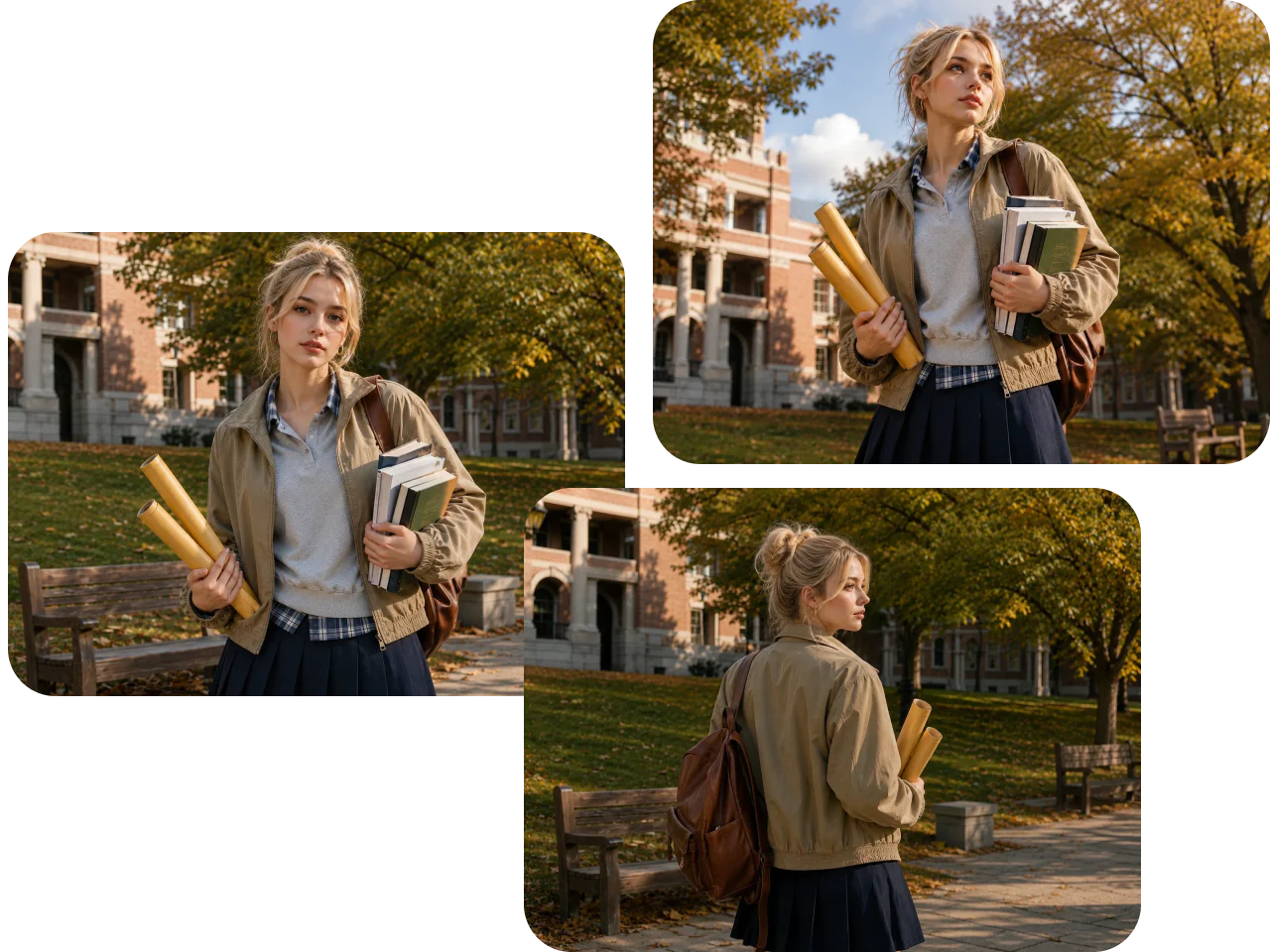
Preserve Identity Across Different Views
Keep the same facial identity consistent while generating different angles, poses, and expressions. PicLumen’s AI face generator preserves key facial features to create a recognizable character across multiple images. Easily generate front, side, or three-quarter views without losing consistency, making every variation feel like the same person.
Why Choose PicLumen AI Face Generator

Fast AI Face Generation
Create high-quality AI faces in seconds. Generate multiple variations quickly, iterate faster, and bring your ideas to life without waiting.

Privacy & Secure Processing
Your images and prompts are processed securely. Generate AI faces with confidence while keeping your creative work private and protected.

No Download Required
Create AI faces directly in your browser. No software installation or complicated setup is needed—just open PicLumen and start generating instantly.
Create Unique AI Faces for Different Projects
- Creative Art
- Marketing
- Game Assets
- Social Media
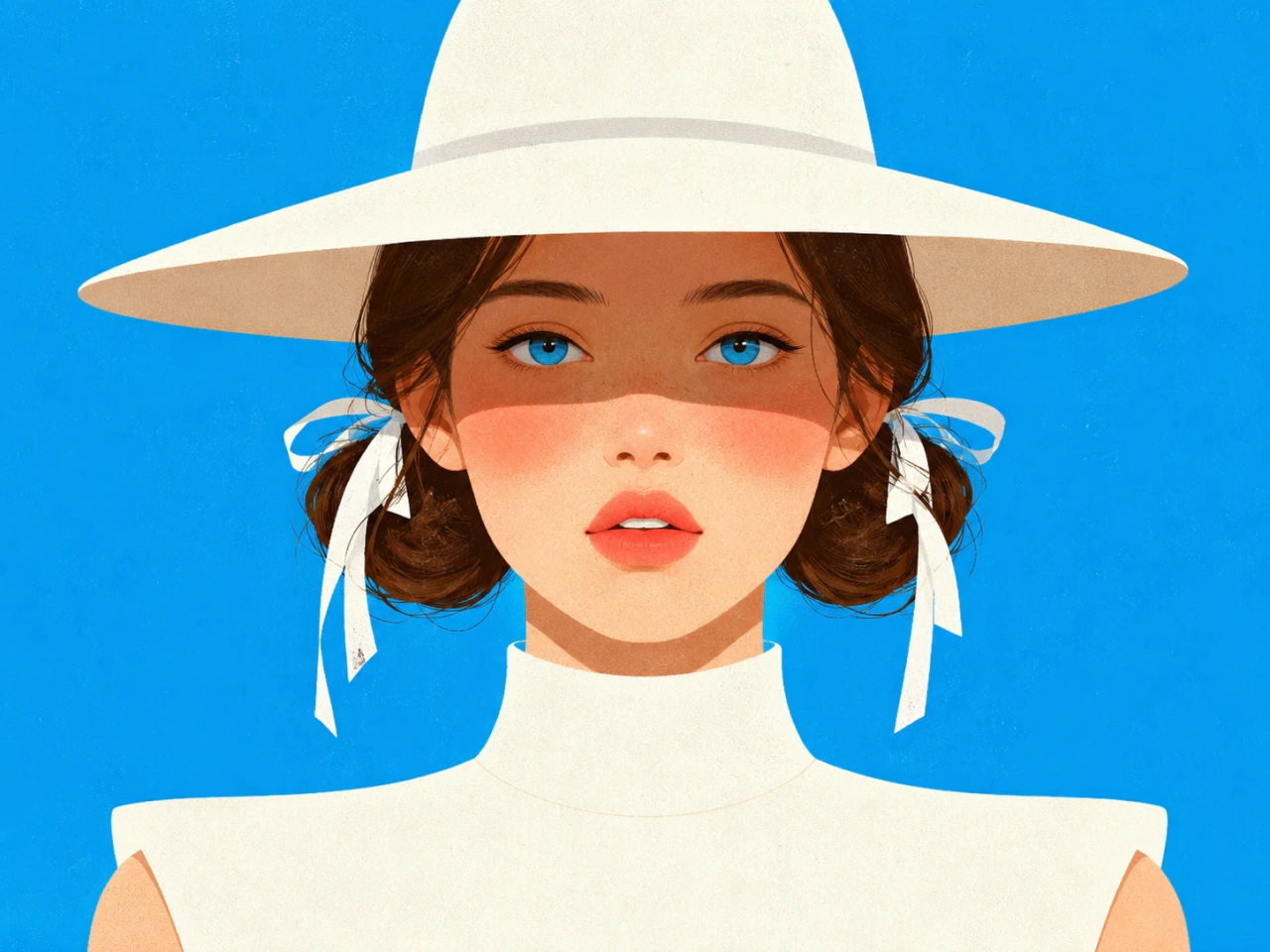
Bring Original Characters to Life
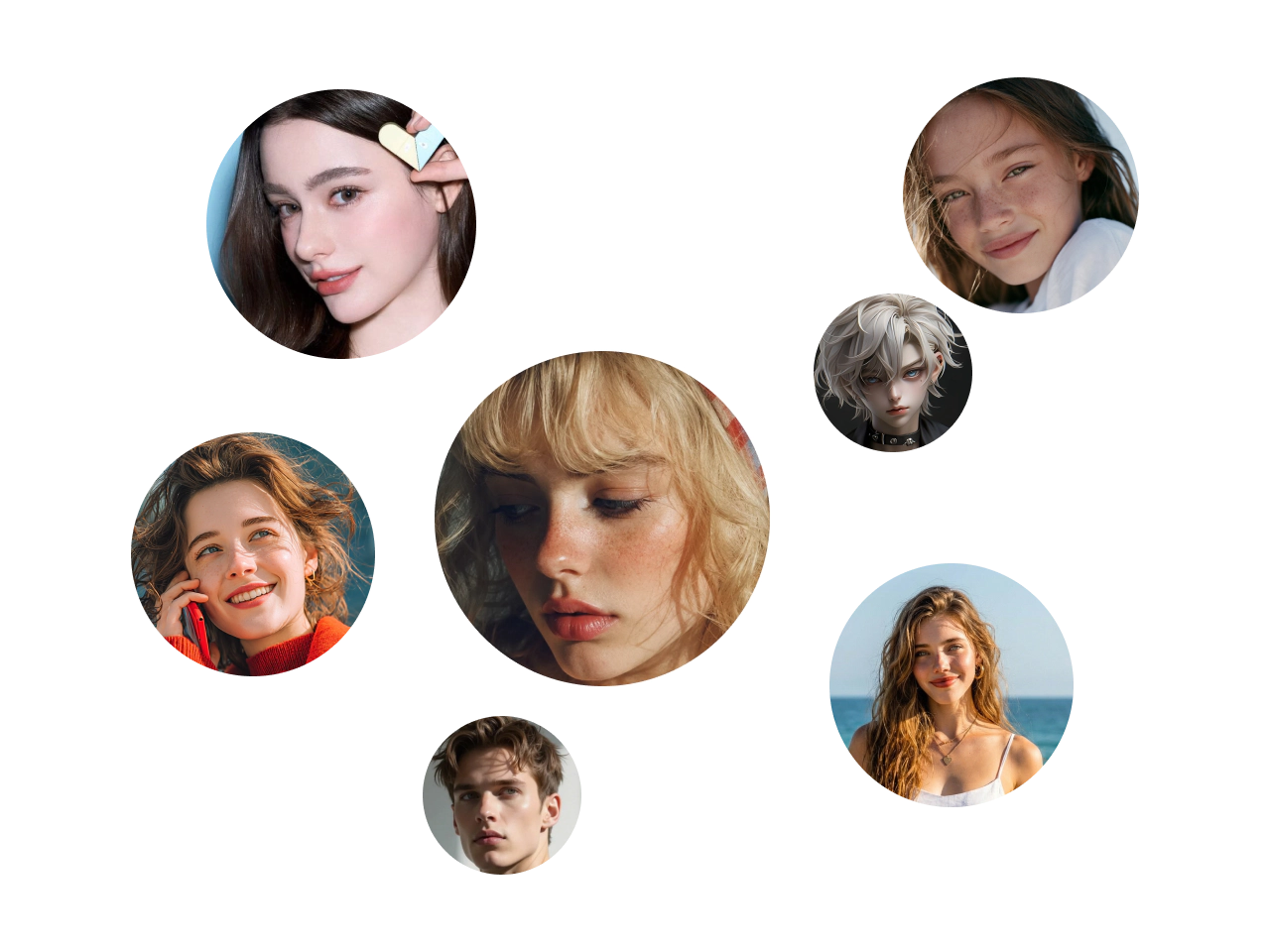
Generate unique AI faces for illustrations, digital paintings, comics, concept art, and creative storytelling. Explore different facial features, expressions, and artistic styles to quickly develop original characters and visual ideas.
How to Write an AI Face Generation Prompt
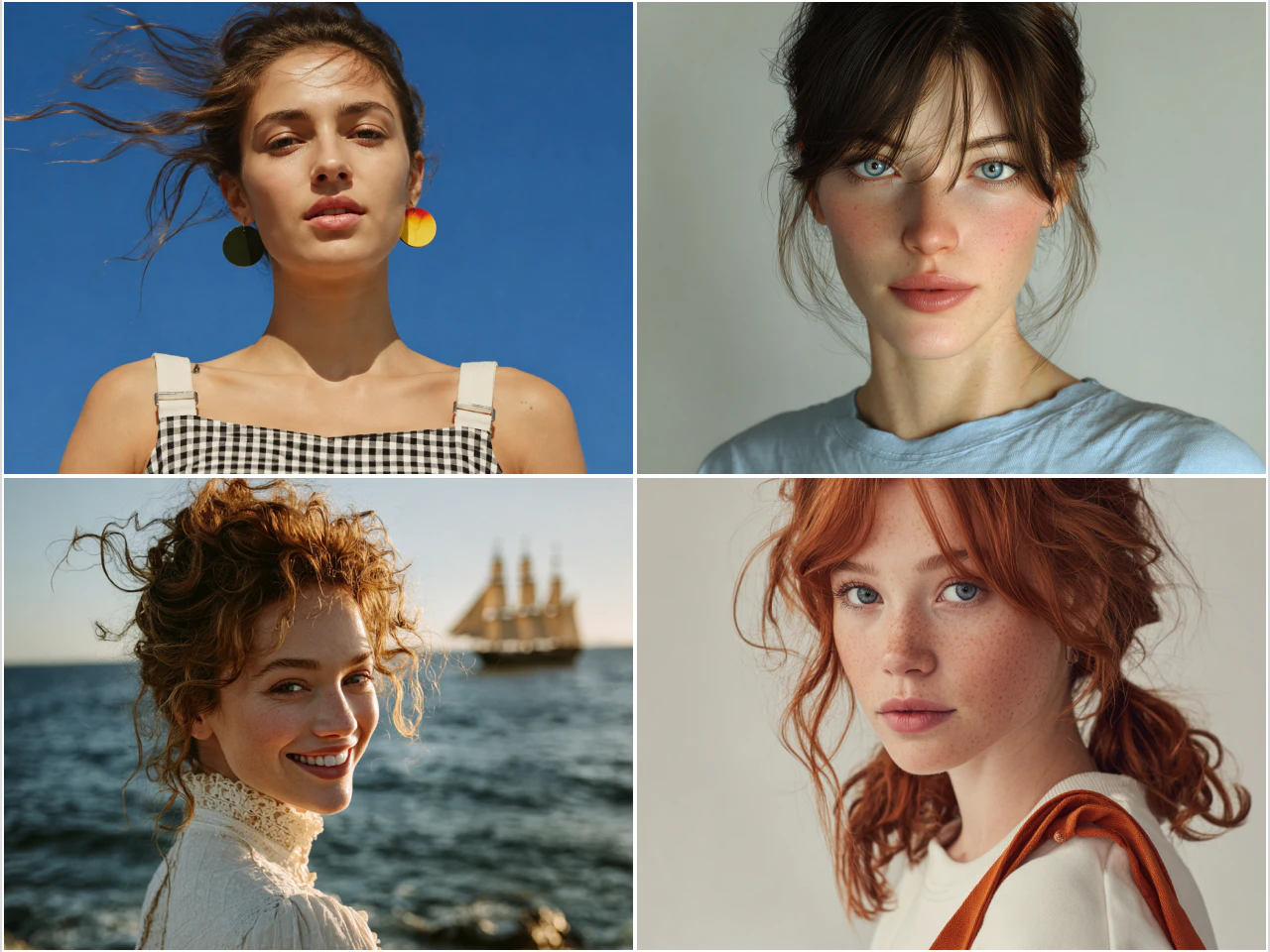
A good prompt clearly describes the face you want to create. Start with the person's appearance, then add details like age, hairstyle, facial expression, clothing, lighting, camera angle, or art style. The more specific your description is, the more accurate and consistent your AI-generated face will be.
Prompt Formula
Subject + Appearance + Expression + Pose/Angle + Lighting + Style + Background
Example 1: Professional Headshot
A confident middle-aged man with short black hair and light stubble, wearing a navy business suit, looking directly at the camera, soft studio lighting, blurred office background, realistic photography, highly detailed.
Example 2: Fantasy Character
A beautiful elf woman with long silver hair, glowing blue eyes, pointed ears, elegant emerald robes, three-quarter view, magical forest, cinematic lighting, fantasy art, intricate details.
How to Generate AI Faces with PicLumen
1 Enter Your Idea
1Describe the face you want to create with a text prompt. You can also upload a reference image to guide the AI if needed. Add details like appearance, hairstyle, expression, age, or visual style to get more accurate results.
2 Customize Your Settings
2Choose an AI model, adjust the aspect ratio, and fine-tune generation settings based on your needs. You can also select different styles to explore various looks and creative directions.
3 Generate and Download
3Click Generate to create your AI face in seconds. Review the results, make adjustments if needed, and download your favorite image in high quality.
More Than Just a AI Face Generator
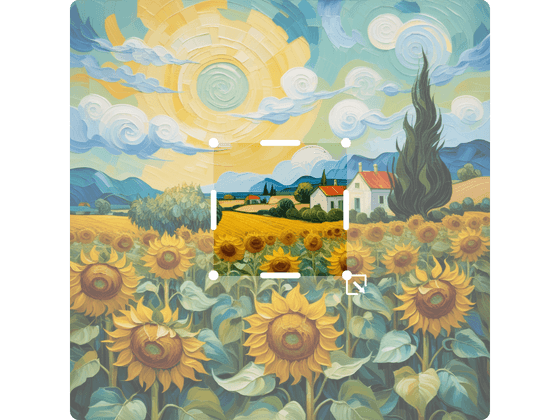
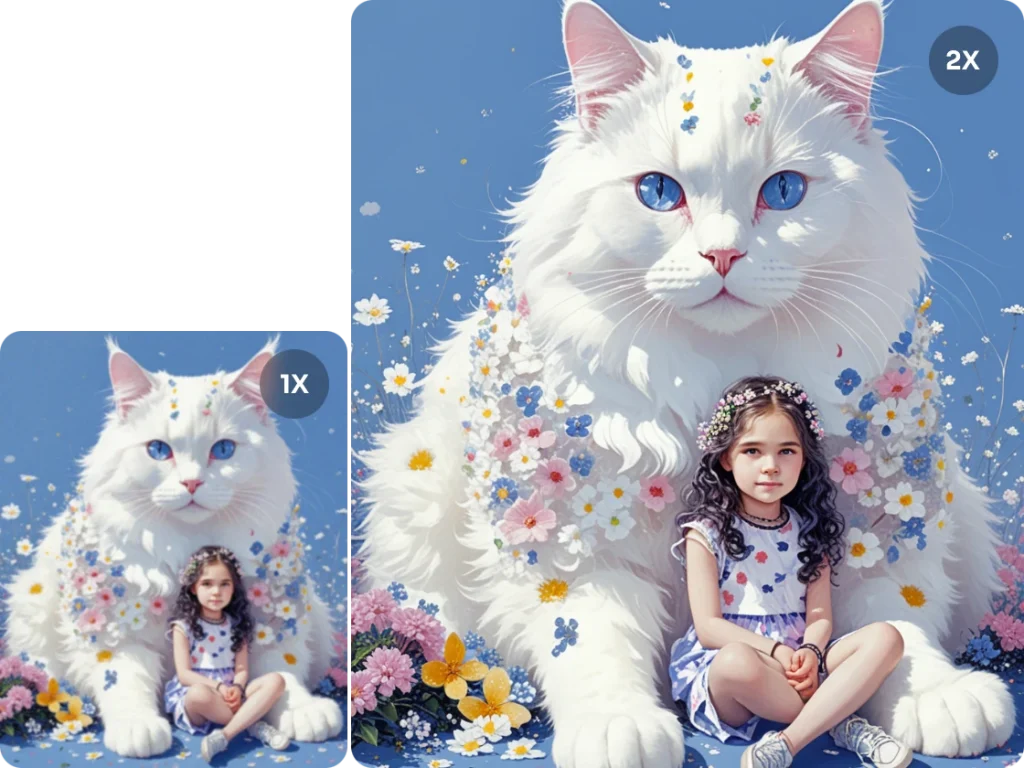
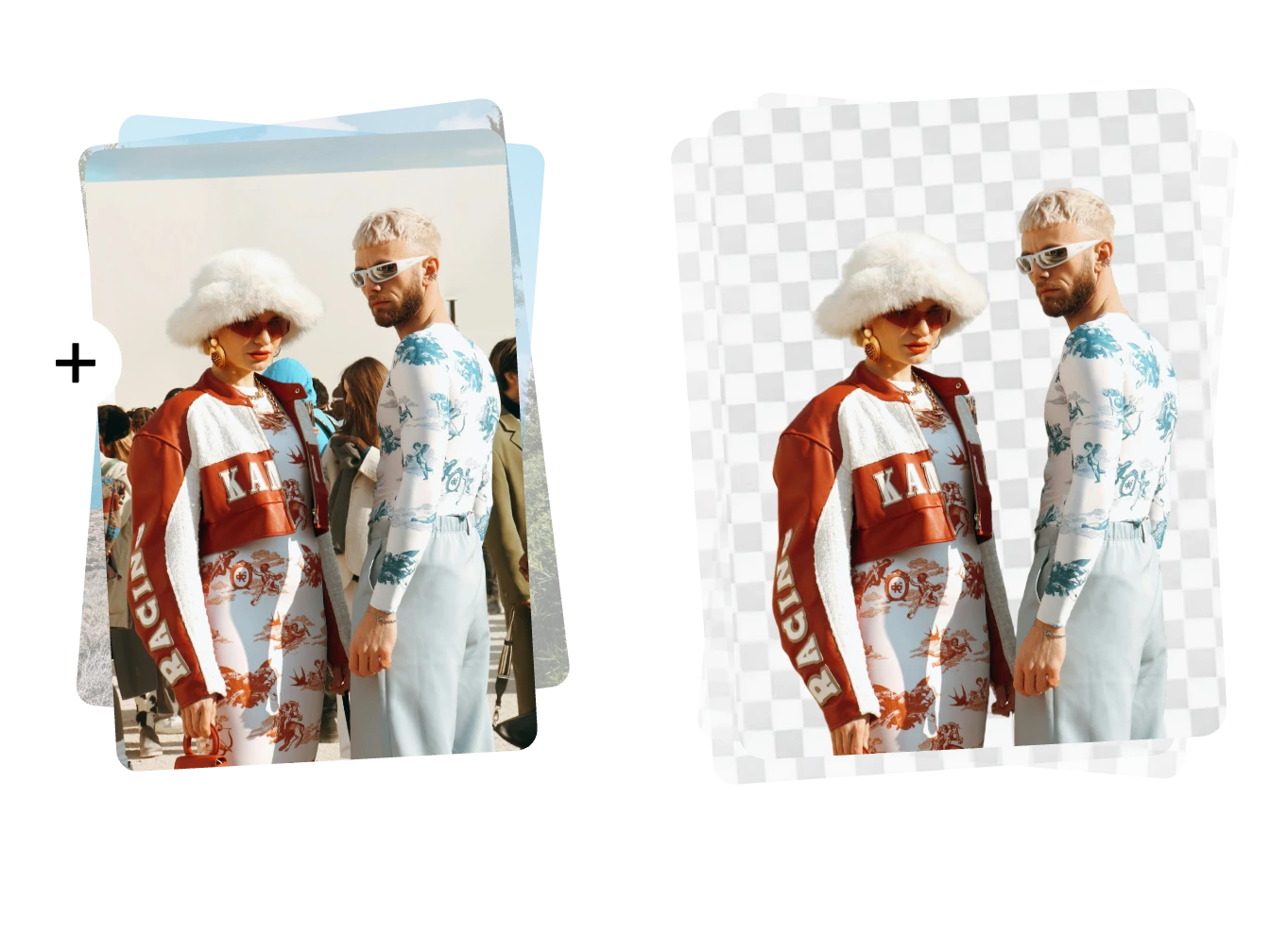


Loved by Creators Worldwide
Real feedback from designers, marketers, and hobbyists sharing their PicLumen experience on Trustpilot.
Ayan SamantaAwesome experience just looking wow
Awesome experience just looking wow
 chelsienner
This is my favorite AI Image generator
This is my favorite AI Image generator
 Prabhat Ranjan Singh Chauhan
Very smooth and very helpful for…
Very smooth and very helpful for everyonr who have creative mind. Thank you 👍
Love this app it helps my ideas come to…
Love this app it helps my ideas come to life
Kura AdityaThe best experience ever w
The best experience ever w
 Narender Khatana
I love this app I love this very very…
I love this app I love this very very much this is help in make a videos
Great AI program
Great AI program, easy to work with.
Danial DaoudGreat customer support
It's easy to use, they have different AI models, good prices, and a nice community page. I contacted them regarding a bug issue and wasn't expecting much tbh. But they responded within a few hours and hade the issue fixed immediately! Great customer support!
 Eddie Brown
Good render and community is 🔥
Good render and community is 🔥
 Richard Lemos
good site
good site, nice pictures, good quality
 Final Project
Really good image generation Tool
Really good image generation. I love the way they have daily reward system that help beginners to make creative content before spend money on it. 100% recommended.
 Charan Balivada
It's a good ai and create to make ai…
It's a good ai and create to make ai pic in different ways and different styles
AI Face Generator FAQs
What is an AI face generator?
An AI face generator is a tool that creates realistic or stylized human faces from text prompts or reference images. You can generate original portraits, fictional characters, avatars, and more in just a few seconds.
Is PicLumen AI Face Generator free?
Yes. PicLumen provides 10 free Lumens every day so you can generate AI faces at no cost. Upgrading to a paid plan gives you more credits, faster generation, and additional features.
Can I edit only part of an AI-generated face?
Yes. PicLumen supports AI image editing tools that lets you modify specific areas of an image. You can use editing tools or text prompts to replace facial features, adjust hairstyles, change expressions, or update other details without regenerating the entire image.
Can I keep the same face across multiple images?
Yes. By using a reference image and identity consistency features, you can generate the same character in different poses, angles, expressions, and styles while maintaining recognizable facial features.
Can I use AI-generated faces for commercial projects?
Yes, but commercial use depends on your PicLumen plan. Paid plan users can use their AI-generated images for commercial projects, while Basic plan users cannot. Please refer to PicLumen's Terms of Service for complete details.
Do I need to install any software?
No. PicLumen is a web-based AI face generator. You can create, edit, and download AI faces directly from your browser without installing any software.